
Now in beta
Show up, log it, watch it add up.
Jimmie keeps your training in one place, whether you follow a coach's plan or make it up as you go. Start a workout, log your sets, and see the weeks stack up behind you.
TestFlight invite, usually within a day.
What you get
Enough to keep you honest, not so much that logging becomes the workout.
Add an exercise by photo
Point your camera at a machine or a movement. Jimmie names it, tags the muscles it works, and drops it straight into your library.
Start a workout in one tap
The big button on the home screen is the whole onboarding. Pick a workout or build one as you lift.
Sets, reps and weight
Log each set as you finish it. Last session's numbers sit right there, so you always know what to beat.
Rest timers that run themselves
Finish a set and the clock starts. Pause, reset, or skip ahead without leaving the exercise.
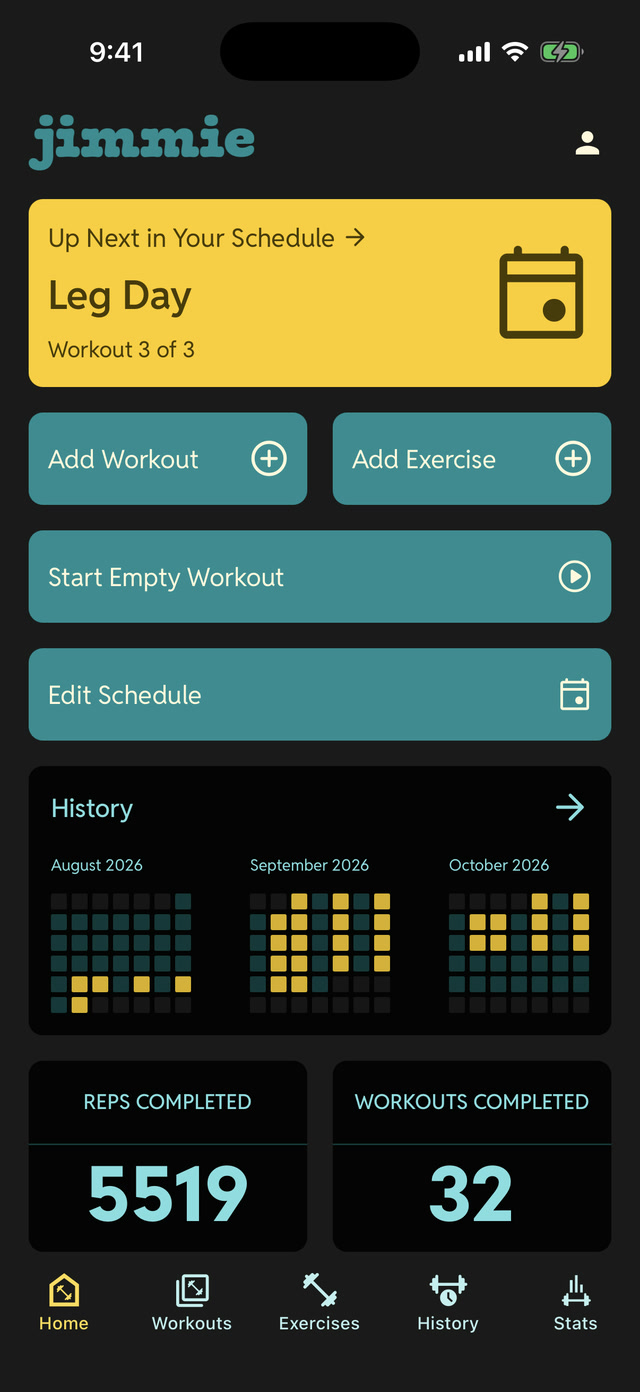
A history you'll want to look at
Every session on a calendar, with total reps and workouts completed adding up as you go.
Reusable workouts
Save a workout once and run it again next week, or start an empty one and build it as you lift.
New · AI
Add any exercise with a photo.
Found a machine you've never used? Point your camera at it. Jimmie reads the photo and fills in the rest — the name, the muscles it works, the equipment, and a short description. Check it over, tweak anything, and it's in your library for good.
- No typing, no guessing. Skip hunting through a generic database — scan what's actually in front of you.
- Yours to edit. Every field the scan suggests is yours to correct, and the exercise sticks around for next time.
- Private by design. The photo goes to Anthropic to draft the exercise and Jimmie doesn't keep it. Anthropic doesn't use it to train its models.
How a session goes
Three steps, and two of them happen while you're resting.
STEP 01
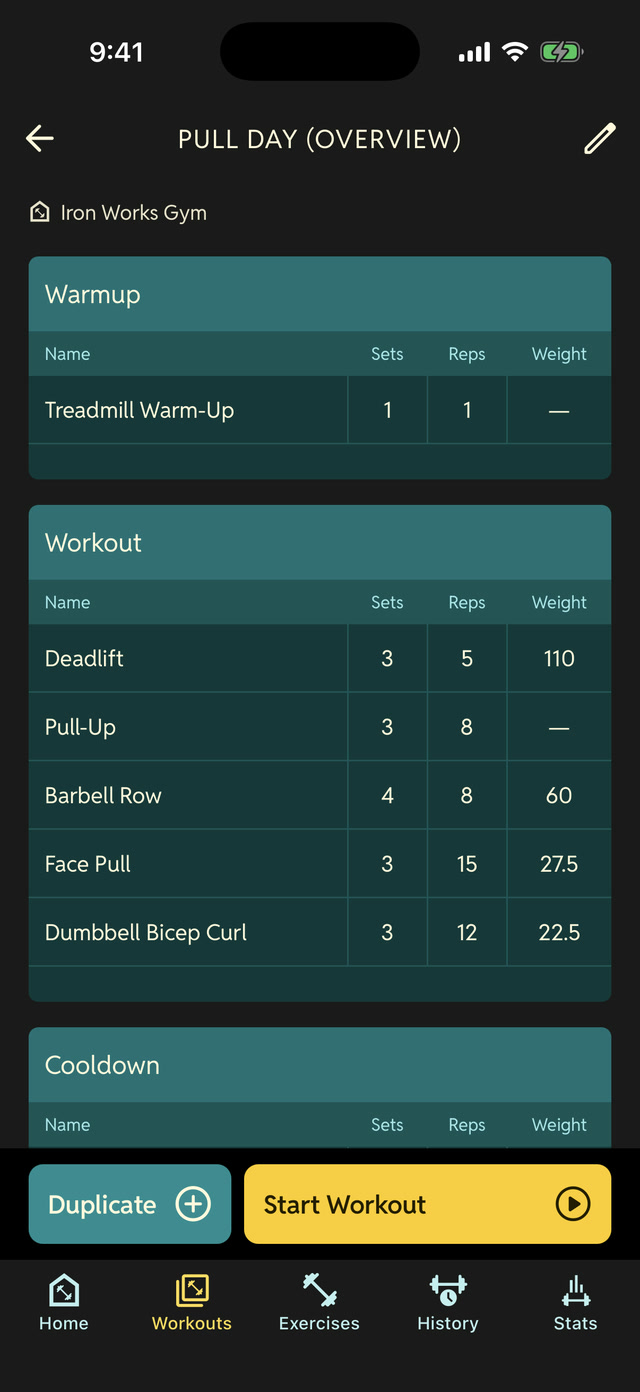
Open and go
Tap start, name the session, and add the exercises you're doing today.
STEP 02
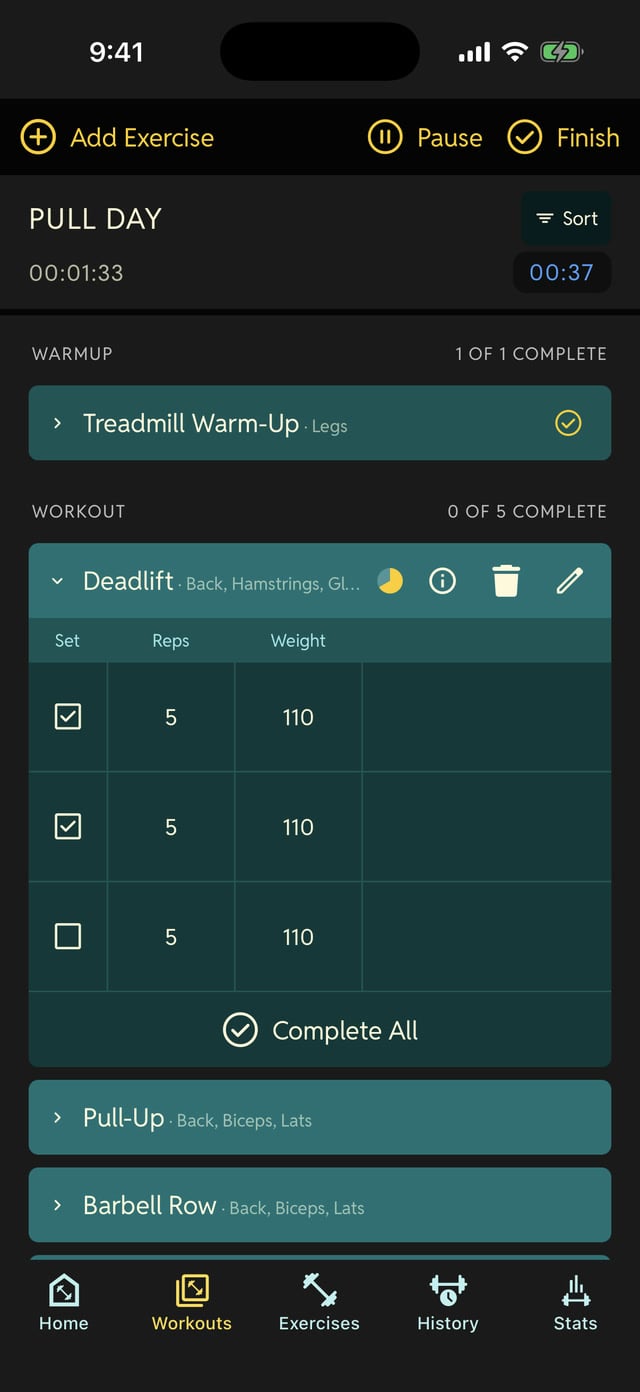
Log between sets
Reps and weight go in with a couple of taps, and the rest timer takes it from there.
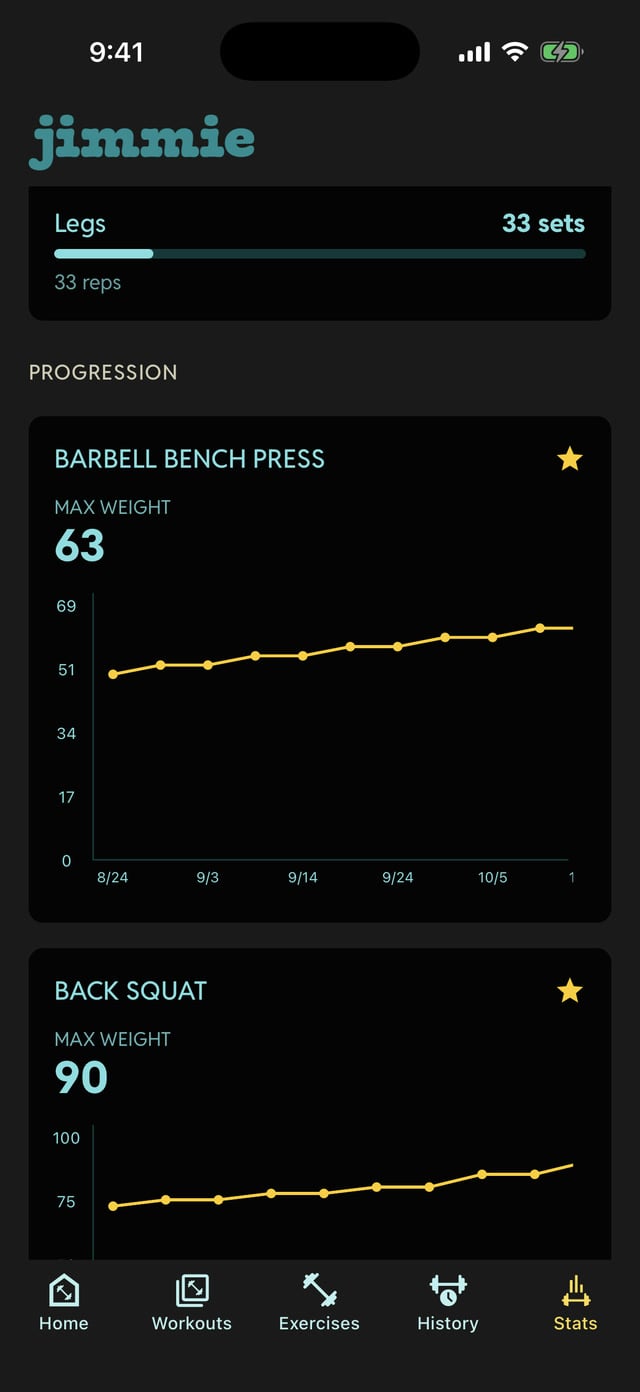
STEP 03
See it counted
Finish up and the session joins your history, totals and all.
Ready when you are.
Free while we're in beta. Bring your own routine or start from scratch.
TestFlight invite, usually within a day.